


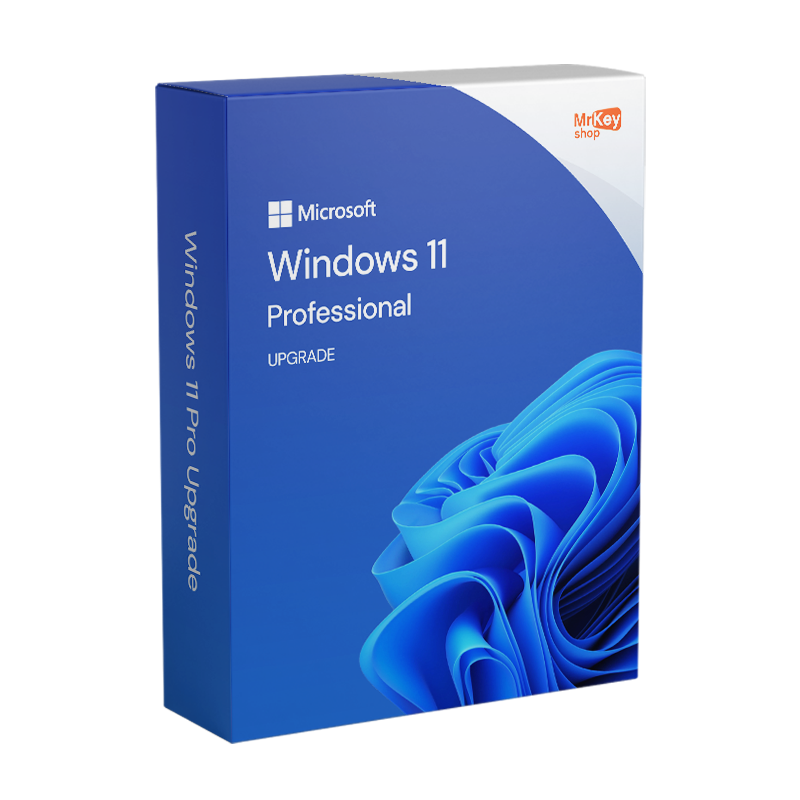







Upgrade to Windows 11 Pro and enjoy all the new features. Buy with confidence, backed by a money-back guarantee. Receive your order instantly by email, with free customer support in Italian.
Upgrade to Windows 11. Upgrade to Professional
Upgrade to Windows 11 by purchasing your 100% genuine license from Mr Key Shop at a very competitive price and benefit from free technical support in Italian . Our team of experts will guide you step-by-step through the upgrade process to Windows 11 if needed. Switch to the latest version of Microsoft’s operating system now and enjoy all its advantages. By upgrading to Windows 11, you’ll benefit from a new, more modern and optimized user interface , as well as many new features.
Windows 11 Pro features:
- Modern interface for managing disks and partitions via the Settings screen
- A new desktop , with a new Start menu
- Faster boot speed than Windows 10
- Features designed for developers and content creators to monetize their applications and their work
- The system is optimized for Xbox Game Pass
- Compatible with all the latest software, such as antivirus programs and Microsoft Office 2019 and Office 365 suites
By upgrading to Windows 11, you’ll benefit from a more powerful, service-oriented operating system that will optimize your user experience without compromising security or new features. We always recommend installing antivirus software for Windows 11 to protect your device. Back up your data before upgrading to Windows 11 to safeguard your important information and ensure business continuity in case of any issues during the upgrade process. Backup software for Windows 11 allows you to restore your system if problems arise during the upgrade, such as malfunctions or errors, preventing data loss or the need for a complete operating system reinstallation.
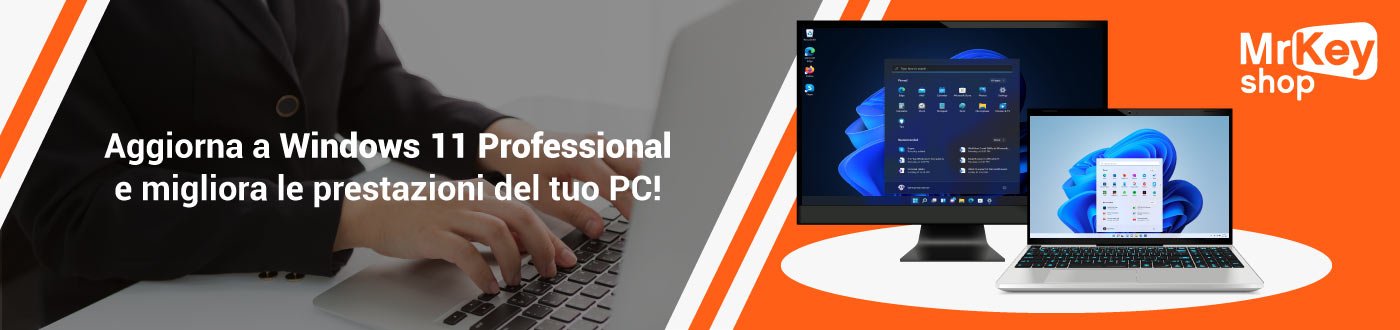
Upgrading to Windows 11: with Mr Key Shop, it’s really advantageous, here’s why!
If you’ve decided to upgrade to Windows 11, or to Windows 10 to Windows 11, specifically Windows 11 Professional, Mr Key Shop offers upgrade licenses at very affordable prices with a money-back guarantee. Digital delivery, one of our core values, allows us to provide you with high-quality products at competitive prices, along with fast and professional service.
You can upgrade to Windows 11 immediately after your purchase, thanks to clear and simple instructions that will guide you step by step through the operating system update process. But if you encounter any problems, you can always rely on our free customer service, available in Italian, which is always ready to help!
Upgrading to Windows 11 is an eco-friendly choice with Mr Key Shop
Upgrading to Windows 11 with Mr Key Shop is the best choice, not only because you’ll benefit from professional, authorized, and immediate service while saving on the list price of your license, but also because you’ll be contributing to protecting the planet . We are a company that firmly believes in eco-sustainability, which is why we’ve adopted the digital business model: we send you products by email, thus helping to reduce polluting gas emissions and the production of unnecessary waste ! Let’s save the planet, one product key at a time!
I’ve just decided to upgrade to Windows 11 via Mr Key Shop. What now?
Complete your secure transaction using a secure payment method. Once your order is complete, you will immediately receive an email containing everything you need to upgrade to Windows 11:
- Your Windows 11 upgrade license (1 user)
- Clear and simple instructions on how to upgrade to Windows 11 (including download links, where applicable)
- Customer support in Italian and 100% free
- A purchase invoice
Other products available in the Mr Key Shop catalogue
Windows operating systems: Windows 11 – Windows 10 – Windows 8 – Windows 7
Microsoft Office suites: Office 2024 – Office 2021 – Office 2019 – Office 2016 – Office 2013 – Office 2010 – Office for MAC – Microsoft 365 – Office application
Antivirus: Kaspersky – ESET – McAfee – Avast – Bitdefender – Norton – AVG –
– Acronis – Surfshark – IObit – Watchdog – Panda – Server Antivirus
VPN: HMA VPN – NordVPN – Cyberghost
Microsoft server: Server 2025 – Server 2022 – Server 2019 – Server 2016 – Server 2012 – Storage Server 2016 – Storage Server 2012 – CAL Server – RDS CAL Server – SQL Server
Utilities: PDF Converters – Disk Cleanup – Data Management – Screen Recorder – Billing Software – Backup Software – Data Recovery – Disk Partitioning – Deployment – 3D Modeling – Remote Desktop – Editing – Video Converter – Virtualization – Graphics
CAD: Autodesk – ZWSOFT – Rhino 3D
Collection: Software for creators – Software for gamers – Software for families – Software for smart work
Are you a retailer? Join MKreseller
Take your business to the next level with a strong and trusted partner in the original software licensing industry. With Mr Key Shop, you’ll have access to exclusive distributor price lists , special terms, and free professional support for you and your customers.
Furthermore, with MrKeyWallet , you can earn additional credits with each top-up and further increase your profit margins: the more you invest, the more you earn. A system designed for those who truly want to grow.
Join the MKreseller distributor program now and discover all the benefits reserved for partners.
System requirements for Windows 11 Home
| Processor | 1 gigahertz (GHz) or higher, 8th generation processor or newer |
| RAM | 4GB |
| Disk space | 64 GB |
| Firmware | UEFI compatible with Secure Boot |
| TPM | Trusted Platform Module 2.0 |
| Graphics card | DirectX 12 or later with WDDM 2.0 driver |
| Display | 720p, 8-bit, minimum 9-inch diagonal |
| Internet connection and Microsoft account | Windows 11 Home requires an internet connection and a Microsoft account to complete the installation. |
1. How do I check if my PC is compatible with Windows 11 Pro?
You can download the official PC Health Check tool from Microsoft. This software scans your computer and checks its compatibility with Windows 11 Pro.
2. Can I upgrade to Windows 11 Pro for free?
The free upgrade is only available to those with a valid Windows 10 Pro license. You can also purchase a Windows 11 Pro product key and install it. Microsoft offers the free upgrade through Windows Update, provided your PC meets the minimum system requirements.
3. How do I upgrade from Windows 10 Pro to Windows 11 Pro?
- Make sure you have backed up your data.
- Download the Windows 11 Setup Assistant from the Microsoft website.
- Launch the tool and follow the instructions to download and install the update.
- During installation, enter the Windows 11 Pro product key if required.
4. What should I do if I encounter problems during the update?
If you experience any problems, check:
- That you meet the system requirements.
- That you have the latest version of Windows 10 installed.
- Ensure that TPM 2.0 is enabled in your PC's BIOS. If the problem persists, contact Microsoft support or the store where you purchased the license.
5. Can I upgrade directly from Windows 10 Home to Windows 11 Pro?
No, you must first upgrade from Windows 10 Home to Pro. Then you can proceed with the installation of Windows 11 Pro.
6. How long does the update take?
The update can take between 30 minutes and one hour, depending on your PC's performance and your internet connection speed.
Need more information? Contact us for personalized assistance!
How do I upgrade from Windows 11 Home to Pro?
Upgrading from Windows 11 Home to Windows 11 Pro is a simple and fully automated process that requires neither reinstallation of the operating system nor data loss.
To begin, you need a valid Windows 11 Pro license , which you can purchase on this page. Once you have obtained the activation code:
- open the "Settings" menu (recognizable by the gear-shaped icon);
- access the "System" section ;
- Select the "Activation" option .
On this screen, you will find the option "Update your edition of Windows" : by clicking on "Change Product Key" , you will be able to enter the new Windows 11 Pro key.
After confirmation, the system will automatically verify the code's validity and initiate the update. During the process, your personal files, settings, and installed programs will remain unchanged , preventing any risk of data loss. Once the operation is complete, your PC will restart, and you can immediately begin using all the advanced features of Windows 11 Pro .

Free Support
Email & Live Chat

350K+
Happy customers

Lightning-fas
Shipping in a few seconds

100%
SSL Secure Payments

18+
Years of success

Free Support
Email & Live Chat

350K+
Happy customers

100%
SSL Secure Payments

Lightning-fas
Shipping in a few seconds

18+
Years of success

Upgrade to Windows 10 Professional – Product Key
Original price was: $128.95.$44.75Current price is: $44.75.
Windows 10 Home License Key – Lifetime ESD License (64-bit)
Original price was: $93.78.$37.29Current price is: $37.29.
Windows 11 Enterprise 64 bit – Microsoft License
Original price was: $204.62.$85.25Current price is: $85.25.
Reviews
There are no reviews yet.